Why Your Pictures Are Always Crooked (And How to Fix It for Good)

You hang a picture.
Step back… and it looks off.

You adjust it.
Step back again… still not right.

At some point, you either live with it—or start over and make another hole.

If this sounds familiar, you’re not doing anything wrong.
You’re just using a method that works against you.

The Real Reason Pictures End Up Crooked

Most people assume the problem is:

But the real issue is this: 👉

You’re trying to transfer measurements instead of using the actual object as your guide.

Every step in the traditional process introduces small errors:

Each step might only be slightly off…
But those small errors stack up—and that’s what causes crooked results.

Why “Fixing It After” Never Works Well

A lot of people rely on adjusting the picture after it’s hung.
The problem is:
So what happens?
You take it down…
Drill again…
Now you’ve got extra holes—and still no guarantee it’s right.

The 3 Most Common Mistakes

1. Measuring Instead of Matching

Trying to recreate spacing manually instead of using the real hardware as a guide.

2. Trusting the Level Too Much

A level only helps if everything else is already perfectly placed.

3. Marking While Things Move

Even a slight shift while marking can throw off alignment.

What Actually Fixes the Problem

Instead of measuring, the key is: 👉 
This removes:

You’re no longer estimating—you’re replicating.

How to Get It Right the First Time

Here’s the simpler approach:

  1. Use the actual mounting points on your picture as the reference
  2. Align your tool directly to those points
  3. Hold it level against the wall
  4. Mark the holes in the exact positions
  5. Install hardware and hang

Where EZ Mount Plus Makes the Difference

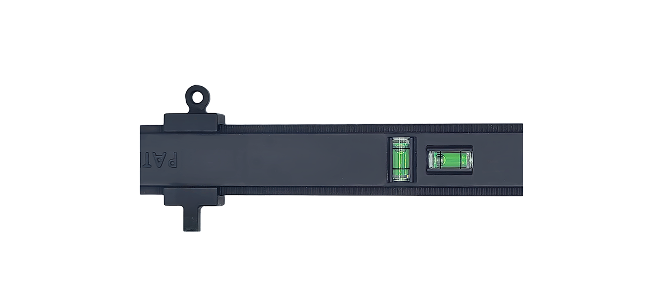
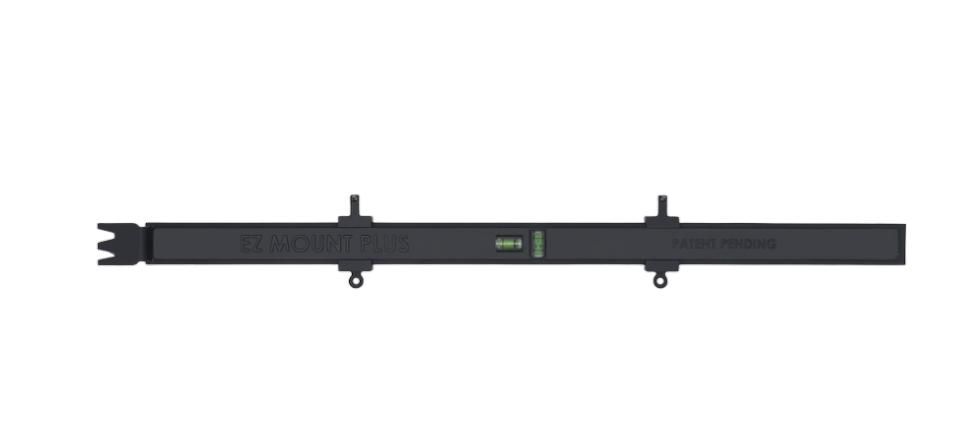
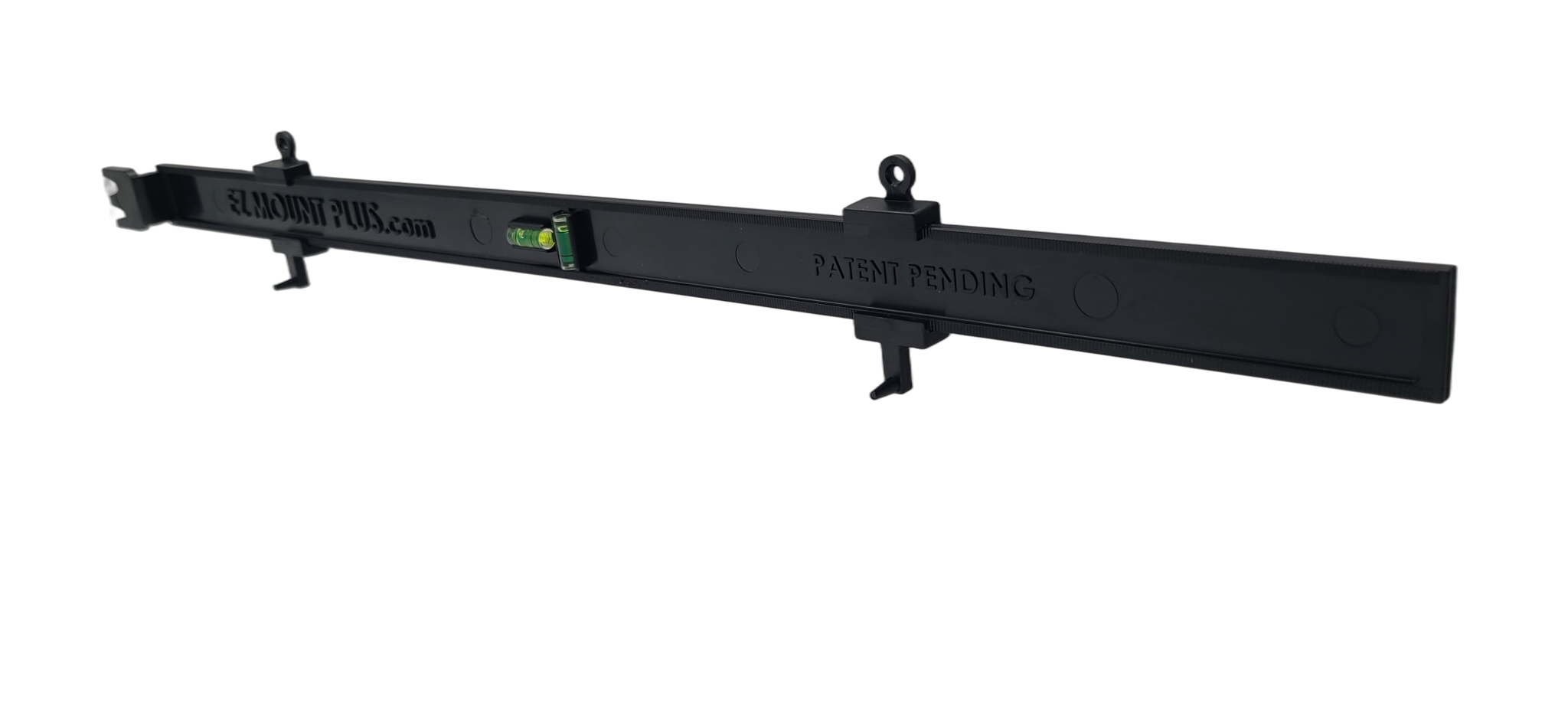
This is exactly the problem EZ Mount Plus solves.

Instead of:
It allows you to:
The result: 👉 Straight, accurate placement the first time—without trial and error.

Final Thoughts

If your pictures keep ending up crooked, it’s not a skill issue.

It’s a process issue.

Once you stop measuring and start aligning directly from the object:

See how EZ Mount Plus helps you hang it right the first time